Electronic Team, Inc. uses cookies to personalize your experience on our website. By continuing to use this site, you agree to our cookie policy. Click here to learn more.
TVRem is a free universal TV remote app that lets you use your phone as a TV remote. No more lost remotes or dead batteries — just open the app, connect over Wi-Fi, and control your TV in seconds.
4.8
on the App Store · Free 635 reviews
Key Features
Everything you need in one app
This universal TV remote control app puts playback, search, and your favorite apps on your phone — fast, familiar, and free.
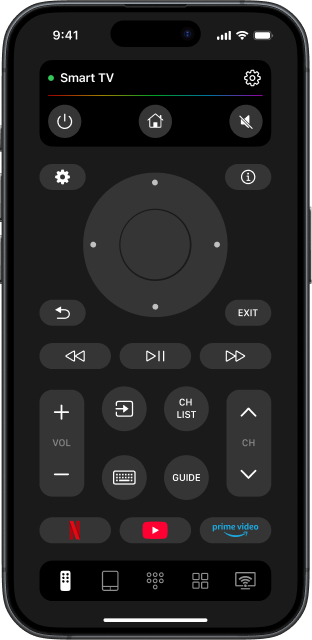
Full TV control
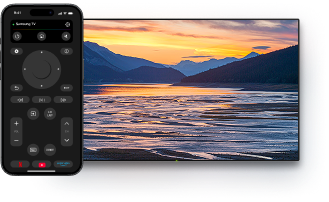
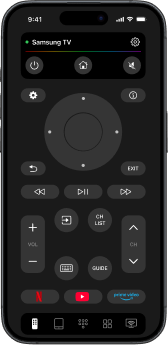
Adjust volume, switch channels, and control playback from one place. Your iPhone becomes the only remote you'll ever need.
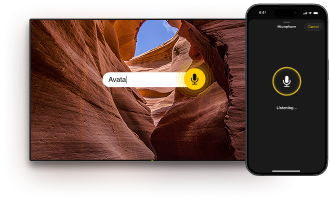
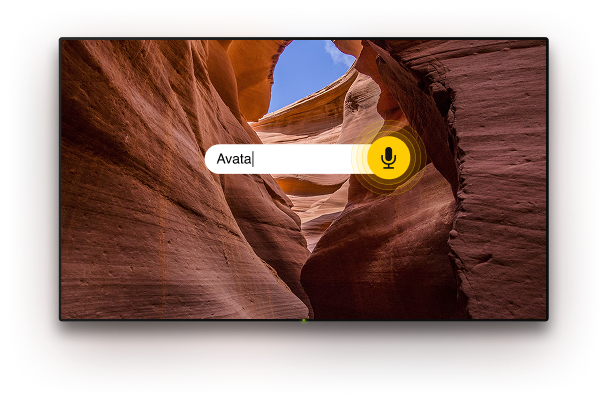
Voice control & input
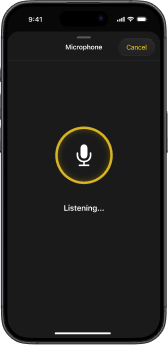
Go hands-free with Google Assistant or Alexa on supported TVs — search for shows, flip channels, or dictate text with your phone's microphone instead of pecking at an on-screen keyboard.
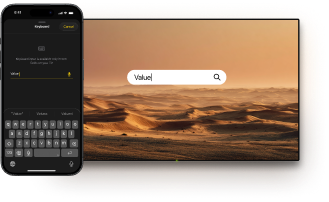
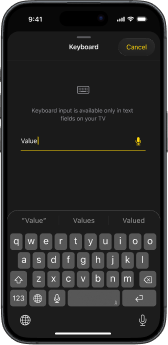
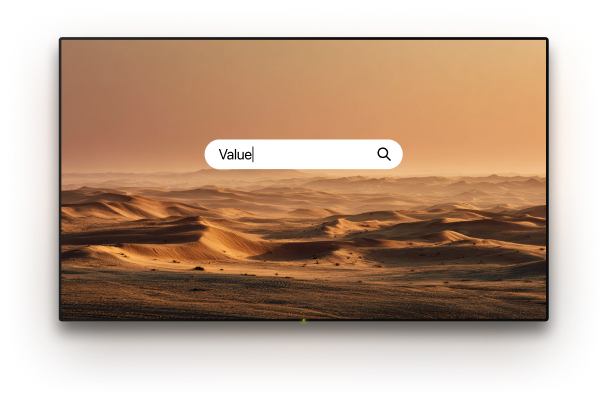
Keyboard input
Type movie titles, passwords, or search queries straight from your iPhone's keyboard. No more slow on-screen typing.
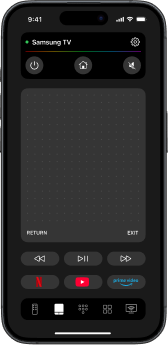
Touchpad navigation
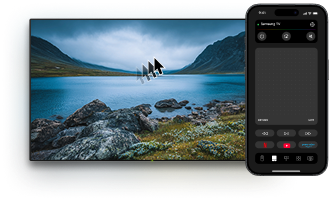
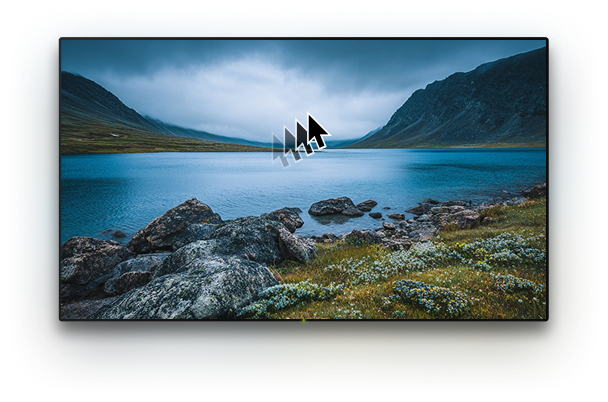
Navigate with smooth, intuitive gestures. Swipe to move and tap to select — just like using your phone.
Quick app launch
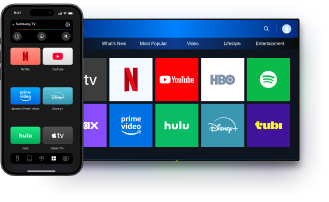
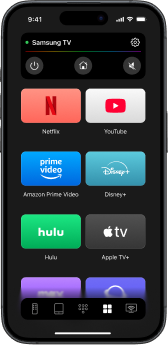
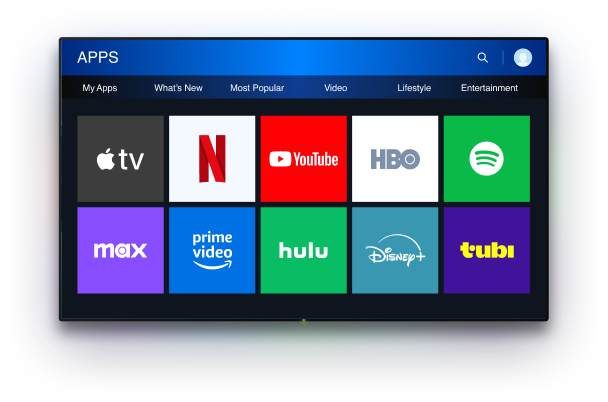
Jump straight into Netflix, YouTube, Prime Video, Disney+, and more — one tap from your phone, no need to reach for the TV remote.
Works with most TVs & streaming devices
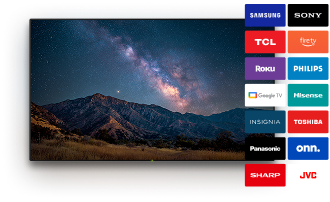
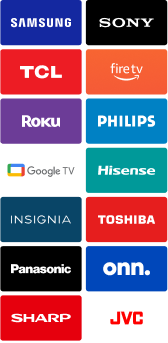
Samsung and LG TVs, Apple TV, plus the Roku, Fire TV, Android TV and Google TV devices — no extra hardware and no complicated setup required.
Getting started
How to use TVRem
Set up this free TV remote control app and connect your iPhone to your TV in under a minute — here's how.
1
Download the app
Get TVRem for free from the App Store and open it on your iPhone or iPad.
2
Join the same Wi-Fi
Make sure your iPhone and your TV are connected to the same Wi-Fi network.
3
Tap to connect
Launch the app and tap the "Tap to Connect" button, then pick your device from the list that appears. If your TV or streaming device asks for confirmation, simply follow the on-screen instructions to finish connecting.
4
Start controlling
That's it — adjust volume, switch channels, type, use voice, and launch apps from your phone.
TV Compatibility
Supports nearly all Smart TV models
This universal TV remote app connects over Wi-Fi to the most popular TV platforms and streaming devices — no IR blaster or extra hardware needed.
Android /
Google TV
Works with Android TVs, Chromecast with Google TV, and Google TV Streamers — with hands-free voice control via Google Assistant.
Fire TV
Supports Fire TV streaming players, Smart TVs by Amazon, and other TVs with Fire TV built in — full remote control from your iPhone or iPad.
Roku
Works with Roku streaming players, Roku-branded TVs, and other TVs with Roku built in — control everything from one app, no original remote needed.
Other
Works with Samsung and LG TVs running their own systems, plus Apple TV models including Apple TV 4K, Apple TV HD, and Apple TV (3rd gen).
TVRem
iOS
Multimedia
What Users Say
Loved by users everywhere
4.8
Loved by users everywhere
based on 635 reviews
Rated 4.8 out of 5 on the App Store.
I had recently lost my tv remote and so I needed a way to access my tv without that said remote. My number one problem when searching for universal remote apps is that most of them want you to pay a subscription, watch a lot of ads, or just don't connect to the tv. However, this app has worked very well for me so far and I have no complaints.
pcapra"Best free universal remote"
The only app that offers exceptional remote features for absolutely free. You can even turn the tv back on once you used the app to turn it off. Almost completely eliminates the need for my remote unless the WiFi crashes.
Eli Morris"Heavily recommended"
I used another app before, but I must connect always again. TVRem is perfect and remember the last TV. For me the best TV Remote App.
Jacomo10000"The best One"
I lost my TV remote and this works perfectly and I love the keyboard mode. It makes it so much faster to type and it's just a great app in general.
TVRem works with Samsung, LG, Roku, Fire TV, Android TV / Google TV, and Apple TV — from the latest models to many older ones, plus other TVs with these platforms built in.
Yes. TVRem works with Samsung smart TVs. Once connected, you can change channels, adjust the volume, use the keyboard, and launch apps from your iPhone.
Yes. Make sure your iPhone and Apple TV are on the same Wi-Fi network, open the app, select your Apple TV from the list, and enter the code shown on screen to pair.
Yes. TVRem works with Roku streaming players and Roku TVs, as well as Fire TV streaming players, Smart TVs by Amazon, and other TVs with Fire TV built in — all controlled from your iPhone without the original remote.
The only remote you need is already in your hand
Download TVRem for free and control your smart TV from your iPhone or iPad.